The symptom pattern
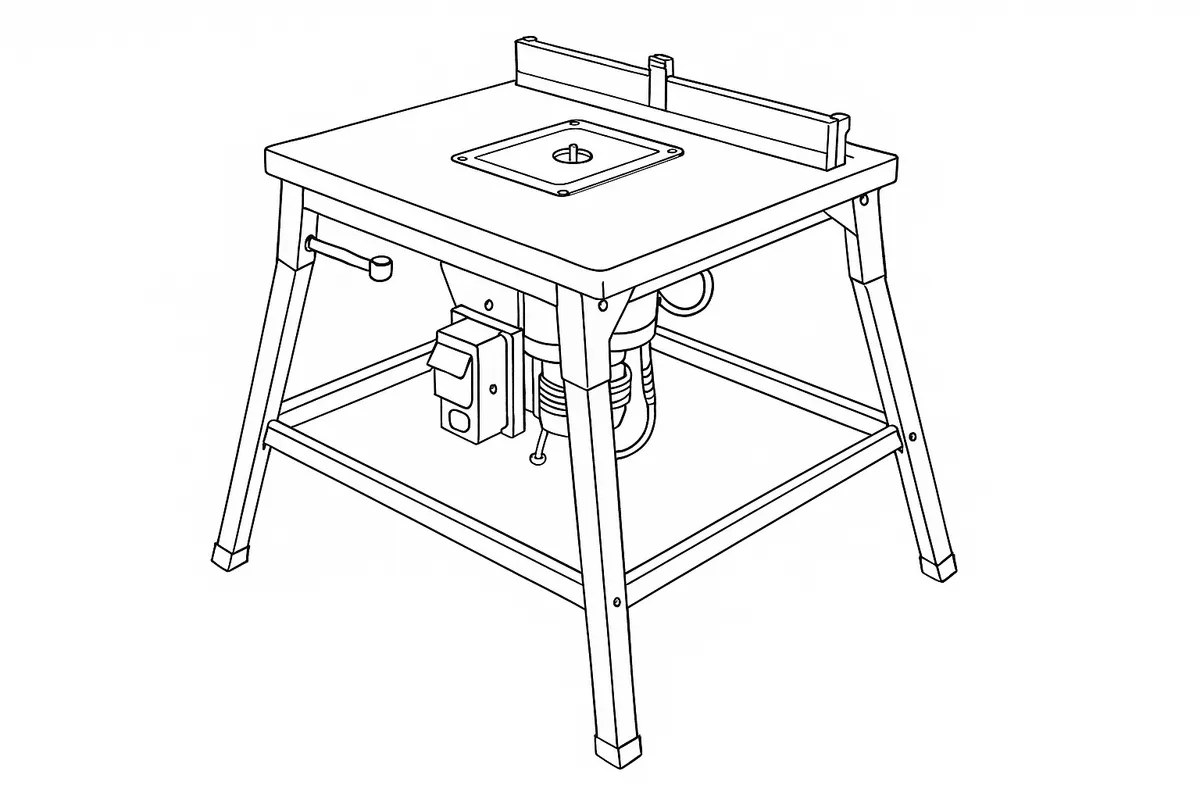
The router table’s wired in, the Workcentre looks fine, and pressing the switch does precisely nothing. On a modular system like the TWX7 Workcentre — a table with a router bolted underneath it, two separate switches in the circuit — “no power” reads like it could be anywhere: the wall socket, the table’s own switchbox, or the router itself. Triton’s own troubleshooting table narrows that down to exactly two causes, and neither of them is the router table module failing.
What Triton’s own table says
The manual’s troubleshooting table gives “no function when power turned on” two possible causes: “No power” (check the power supply) and “Router unit’s power switch is off” (reset router power switch). The first is the obvious check. The second is specific to how this table is built — the router sits underneath it with its own separate ON/OFF switch, independent of the Workcentre’s front switch, and both have to be correctly set before anything runs.
The detail that catches most people out isn’t even in the troubleshooting table itself — it’s in the operating section just above it: “The switchbox requires a live mains connection to switch ON. It will reset to OFF as soon as power is disconnected and require resetting to ON when power is restored to continue operation.” That’s a deliberate safety feature, not a fault: any power cut, trip, or even unplugging the lead to move the Workcentre resets the main switch to off, and it has to be manually switched back on before the table will do anything again — regardless of whether the router itself is fine.
The router’s own switch is the second common trap. Triton’s bit-changing procedure has the owner switch the router off at its own switch to change a cutter, then explicitly says to return “the router on/off switch to the on/position” once the Workcentre switch is confirmed off — it’s a two-step sequence, and it’s easy to walk away after fitting a bit with the router’s own switch still off.
Working through it
Check mains power first, then the two switches in the order the manual describes: power at the wall, the emergency stop flap to “O”, the router’s own switch to “I”, then the Workcentre’s front switch to “I” last to actually power it. All of that takes under a minute and needs no tools. Triton’s table doesn’t give a third cause for this fault — there’s nothing further to try at home if both switches and the mains supply all check out.
Verdict
This is one of the more reassuring “no power” faults to diagnose, because Triton’s own documentation gives a complete, two-cause list and both are free switch checks rather than anything mechanical or electrical to replace. If mains power is present and both switches are correctly set and the table is still dead, that points to a supply cord or wiring fault, which Triton’s own manual sends to an authorised service centre rather than offering a repair procedure — worth a call before assuming the module itself needs replacing.
Comments & Corrections
No comments yet. Had this fault yourself, or found something different? Tell us below.
Thanks — your comment has been sent for review. Comments are checked by a human before they appear, so expect a delay.