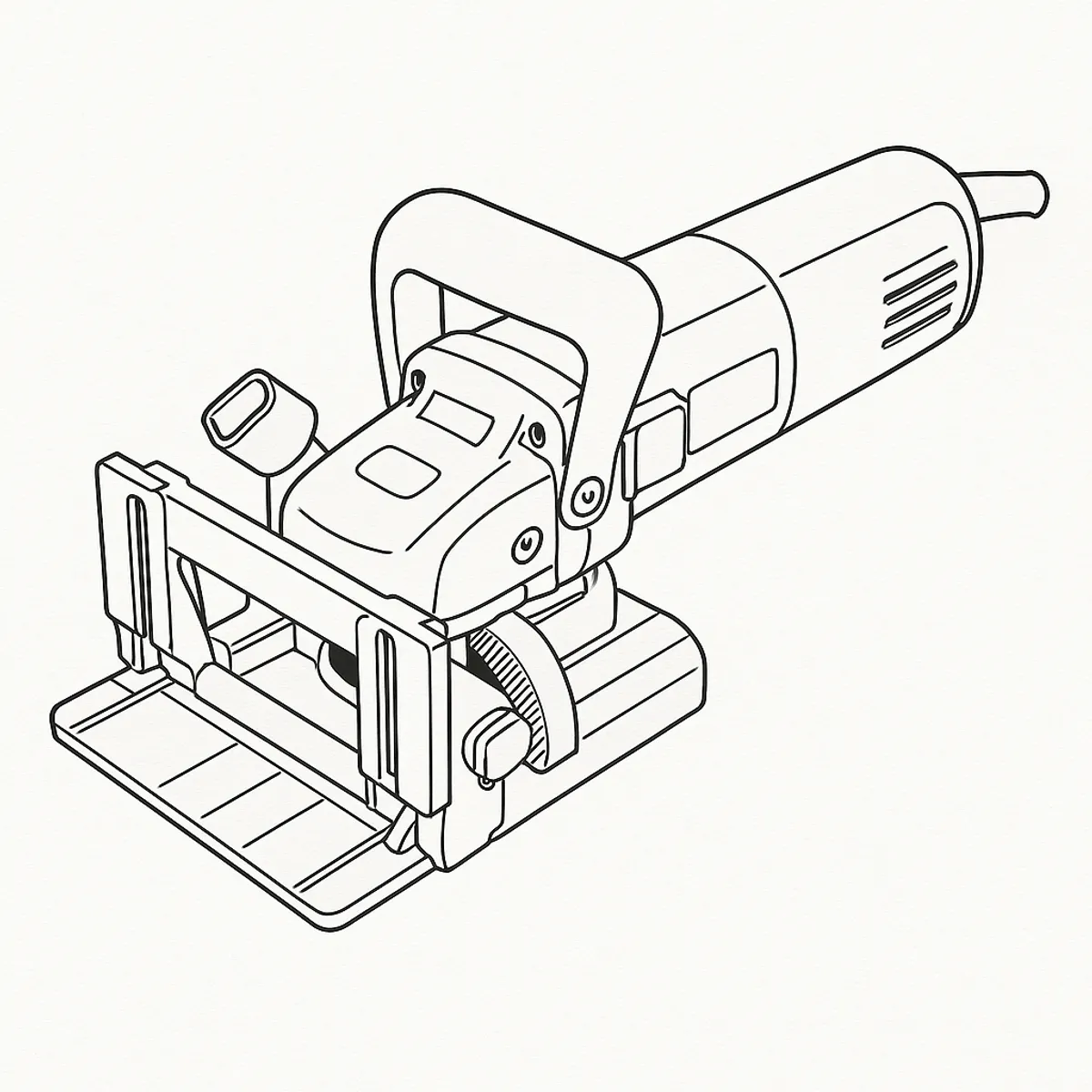
The symptom pattern
The jointer starts a cut normally, then the motor bogs down or loses power partway through, instead of running cleanly to the end of the slot. It doesn’t always point to the same thing — Triton’s own manual lists seven separate possible causes under exactly this symptom, which is a sign the fault genuinely can come from several different places rather than one obvious culprit.
Working through it in order
Start with the Dust Port. Triton’s troubleshooting table names a clogged Dust Port as a cause of the tool stalling, and the fix is as simple as it sounds — chippings backing up into the cutting area load the motor the same way a blocked vacuum nozzle chokes suction. Clear it before looking at anything else.
Next, check the blade itself for dullness or visible damage. The manual lists a dull or damaged blade as a cause of stalling, and separately lists the same cause for a blade that’s burning the workpiece rather than cutting it — so scorch marks on the cut edge are a second, independent sign pointing at the same fix: replace the blade.
If the blade is fine, move to the motor brushes. The manual lists worn brushes as a stalling cause, and its Maintenance section is specific about what to look for: “excessively worn brushes may cause loss of power, intermittent failure, or visible sparking.” Reaching them means removing the two Handle Screws and lifting the main handle housing away from the motor, exactly as the manual’s own numbered brush-replacement procedure describes — and if they’re worn, that procedure also tells you how to fit the new pair.
If you’re running the jointer through an extension cord, check its gauge and length next — a cord that’s too thin or too long for the load is listed as its own cause, with the fix simply being a shorter cord or a heavier gauge.
Motor overheating is next on the list: switch off, unplug, and let the tool cool to room temperature, then inspect and clean the ventilation slots before trying again.
If you’ve worked through all of the above and the jointer still stalls, the one cause left on Triton’s list is a fault in the motor or its bearings — and that’s the single cause on the whole table that Triton doesn’t give a home fix for. Their own stated solution is to have it serviced by an authorised Triton service centre.
Verdict
Most of what’s on this list costs nothing or close to it. Clearing the dust port, checking the cord and letting the tool cool are all free, and a dull blade or worn brushes are both cheap parts the manual walks you through fitting yourself — brush replacement included as a proper numbered procedure, not brushed off as a service job. It’s only the last item on Triton’s own list, a fault in the motor or bearings, that gets routed to a service centre rather than a home fix, and at that point it’s worth weighing the repair against the cost of a new 760W jointer before committing to it.
Comments & Corrections
No comments yet. Had this fault yourself, or found something different? Tell us below.
Thanks — your comment has been sent for review. Comments are checked by a human before they appear, so expect a delay.