The symptom pattern
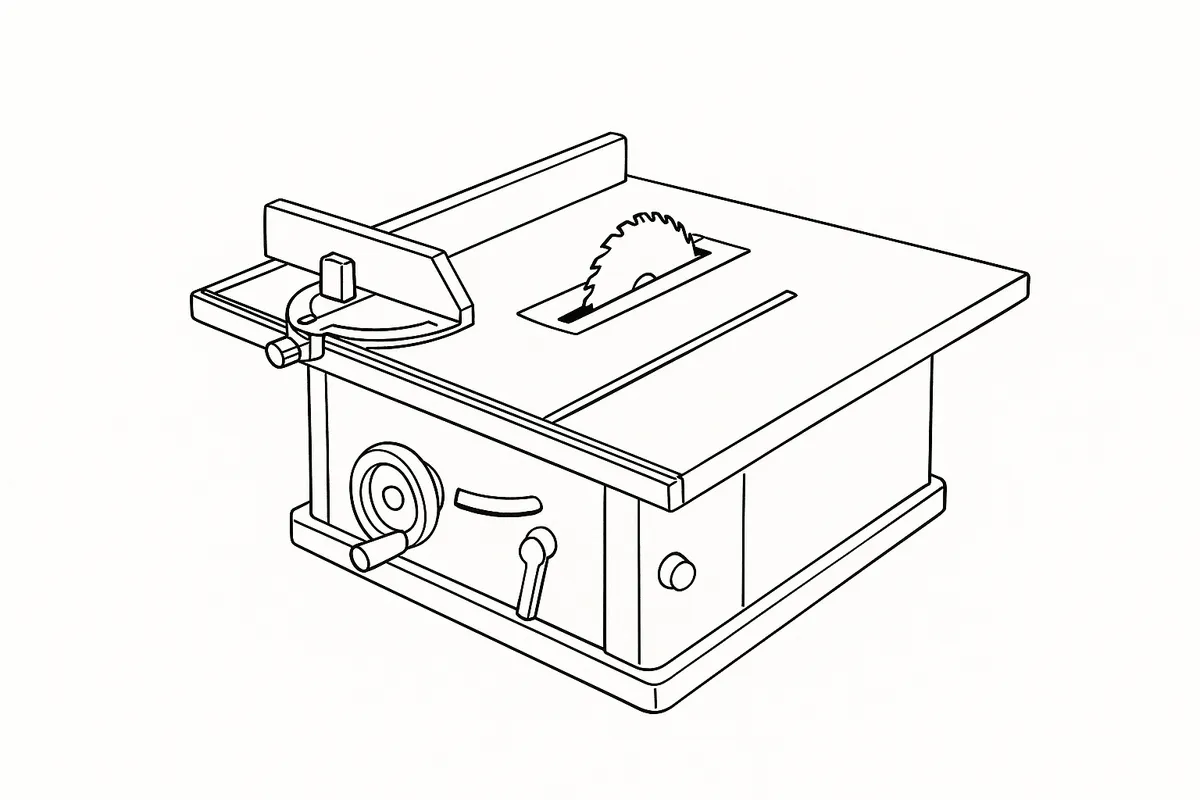
The TWX7CS002 contractor saw module bolts into Triton’s TWX7 Workcentre and reads, on paper, like a fixed-table saw — set the Protractor Gauge or Rip Fence to a number and the cut should match it. The fault owners report is that it doesn’t: a mitre comes out a degree or two off, a bevel doesn’t sit flush against the gauge’s own reading, or a rip cut that starts at the right width drifts narrower or wider by the far end of the board. Nothing about the saw looks damaged, which is usually what prompts the search.
What’s actually happening
Triton’s own troubleshooting table for this module gives two named causes for exactly this symptom, in this order. The first is mechanical: the Rip Fence or Protractor Gauge isn’t clamped as firmly as it needs to be, and flexes slightly under the sideways load a cut puts on it — enough to throw the result off without the fence visibly moving beforehand. The second is calibration: the blade itself has drifted out of true against the table surface, which happens over time from transport, vibration and the repeated clamping and unclamping the module goes through on a jobsite or in a workshop. Both are named directly in the manual, not inferred.
Working through it
Start with the fence, not the blade — it’s the simpler check and the one Triton’s table lists first. Push firmly against the Rip Fence and the Protractor Gauge by hand, loading them the way a cut would. If either gives even slightly, refasten it properly and run a test cut before assuming anything deeper is wrong. While you’re at the Protractor Gauge, check the sacrificial wood strip fitted to it — once that’s worn or cut through it stops backing the workpiece where it meets the fence, and the manual names a worn strip as its own cause of drift.
If the fence holds firm and the fault persists, move to blade calibration. Raise the blade to full height, lock the height lock, and hold a set square against the table surface and the blade face. If it’s not square, the bevel angle adjuster brings it true — check it at both 0° and 45°, since the two ends are trimmed independently. The step people skip is resetting the 0° and 45° trimming screws afterwards: without that, the pointer on the bevel angle gauge keeps reading the old, wrong position even once the blade itself has been corrected, so the gauge lies by exactly the amount you just fixed. Finally, make sure the bevel angle locking lever is fully engaged before cutting — a lever that isn’t locked lets the angle creep mid-cut, which looks like the same fault but has nothing to do with calibration.
Verdict
Worth doing every time, because there’s nothing to buy — it’s a set square, a few turns of an adjuster, and about fifteen minutes. This isn’t a module that’s failed; it’s one that’s worked loose or drifted the way any clamp-together saw table will, and Triton’s manual treats it as routine enough to give it a named procedure rather than a trip to a service centre.
Comments & Corrections
No comments yet. Had this fault yourself, or found something different? Tell us below.
Thanks — your comment has been sent for review. Comments are checked by a human before they appear, so expect a delay.