The symptom pattern
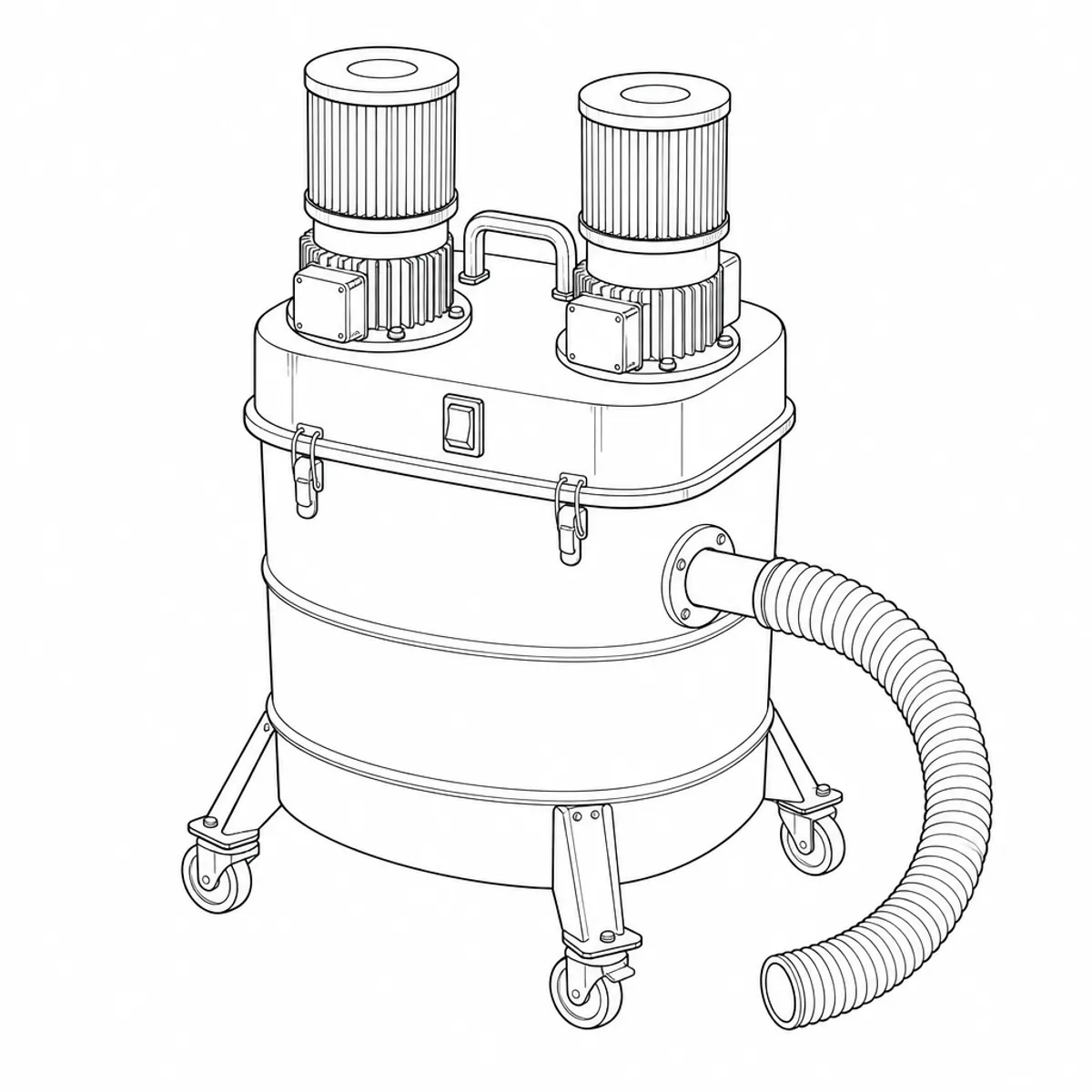
The extractor still runs, the motor still sounds normal, but the machine it’s hooked up to is leaving dust and shavings behind instead of pulling them away cleanly. It’s easy to assume a fading motor on a machine that’s been running for years — but a drum-type extractor like the DX4000 has three places upstream of the motor where airflow actually gets lost first, and Record Power’s own manual walks through all three.
What Record Power’s manual says
The manual’s restart procedure for a blocked line is explicit about sequence: “If a blockage in the collection hose of the machine occurs, switch it off immediately by pressing the power switch to the off position and wait for the machine to come to a complete stop before proceeding further. Unplug the machine from the power source and remove the blockage from the collection hose. To re-start the machine press the power switch to the on position.” No reaching into a running machine, no step skipped.
Beyond the hose, the manual treats drum fill level and filter condition as routine maintenance rather than faults: “The filters should be inspected every time the unit is emptied and particularly if any reduction in performance is noted. The cloth filter can be cleaned using a vacuum cleaner, and occasionally washed in warm water. The paper filters trap fine dust, and to prevent becoming clogged should be renewed regularly (part no. DX1500E). The cartridge filters should be cleaned at the same time, and should be renewed annually (part no. DX1500F).”
Working through it
Work from the inlet backwards. Power down properly first — off at the switch, wait for it to stop, then unplug — before opening anything up. Run a hand along the hose for a kink or a packed section; that alone accounts for a lot of “it’s gone weak” complaints on a machine that was fine last week. Pull the head unit and look at the drum: if it’s anywhere near full, empty it using the manual’s sequence (shake the cloth filter first and let the dust settle before lifting it clear, so it doesn’t go everywhere). Then check the cartridge and paper filters underneath — if they’re visibly caked in fine dust, clean them, and renew the paper filter if it’s been a while regardless of how clean it looks, since that’s the one the manual says to replace on a schedule rather than wait for symptoms.
Verdict
Free or close to it. A hose clear, a drum emptied and a filter cleaned costs nothing; a fresh paper filter and cartridge filter together are a small spend next to a service call, and the manual lists both as routine consumables rather than a sign of anything wrong with the unit. On a twin-motor unit like the DX4000, a genuine motor fault is well down the list of likely causes — work through the airflow path first.
Comments & Corrections
No comments yet. Had this fault yourself, or found something different? Tell us below.
Thanks — your comment has been sent for review. Comments are checked by a human before they appear, so expect a delay.