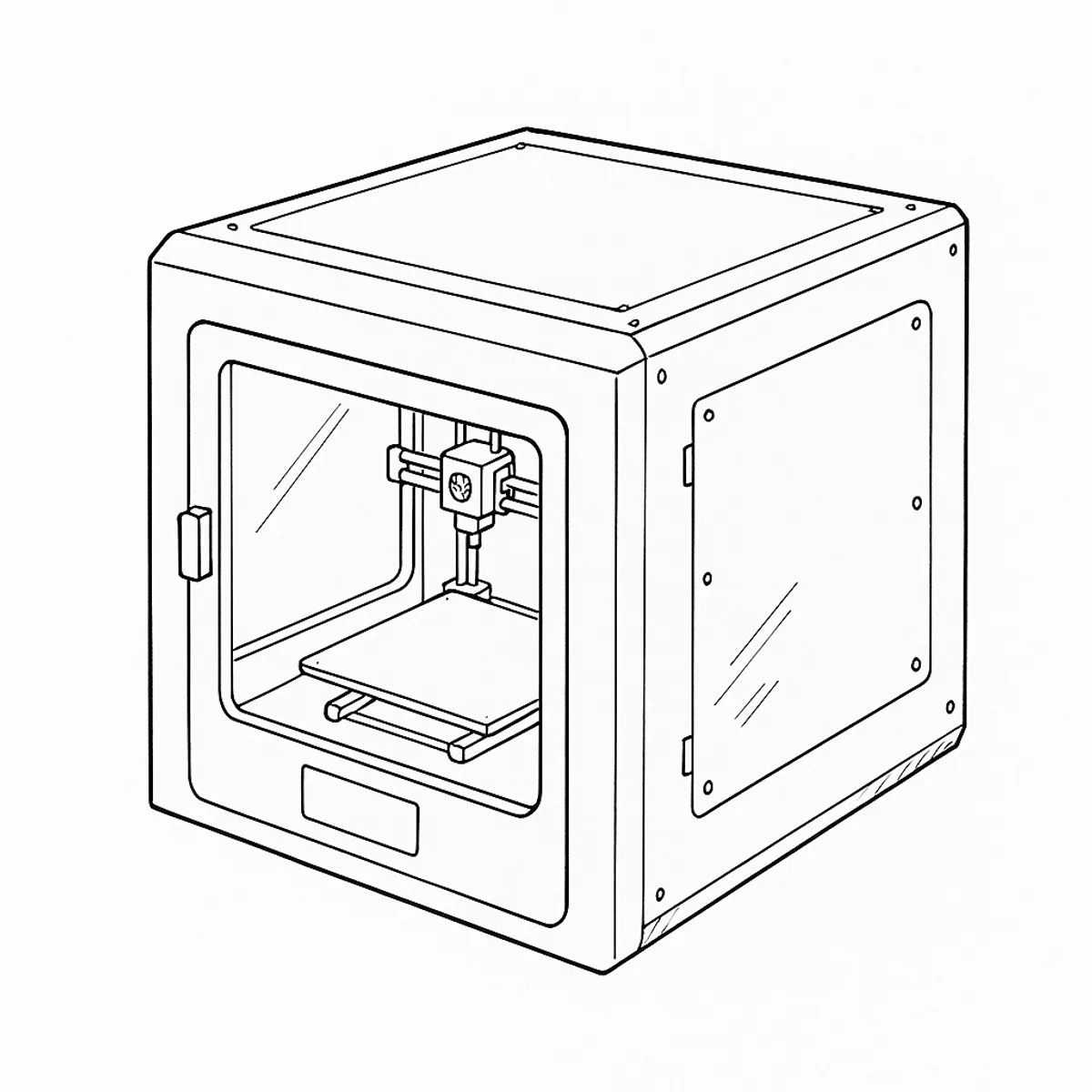
The symptom pattern
Mid-homing, before a print even starts, the CORE One stops and shows “Failed to home the Y-axis. Make sure there is no obstacle on the Y-axis.” with error code #31305. It’s a firmware-level error — the printer is telling you the Y-axis didn’t move the way it expected, not that a part has definitely failed.
What’s actually happening
Prusa’s own troubleshooting for this error works outward from the cheapest, most likely cause to the least likely. The Y-axis carriage moves on a belt driven by a motor at each end, and almost anything that adds resistance to that movement — without stopping it outright — can read to the firmware as the kind of inconsistent motion that trips a homing error. That’s why the official order starts with “is something physically in the way” before it ever gets to “is a part misaligned.”
Working through it
Start with the simplest check: with the printer off, move the Y-axis carriage by hand. It should move freely. A piece of filament left wrapped around the belt, or snagged on a linear rail from an earlier print, is enough on its own to cause this.
If that’s clear, check belt tension against Prusa’s adjustment guide for your model. Both a slack belt and an overtightened one can produce the uneven movement the firmware flags.
If the axis is clean and the tension is right, the next suspect is a motor pulley that has worked loose on its shaft. Each of the two XY motors has a pulley held by two set screws, and one of them is meant to sit directly over the flat-milled section of the motor shaft. On the CORE One and CORE One L the two motors are mirrored rather than identical: looking at the printer from the front, the left motor’s belt teeth sit above its set screws, and the right motor’s sit below. Knowing which side you’re on matters before you decide a pulley looks wrong.
Checking a pulley means a short teardown: remove the side panel on the affected side (on the right, release the filament sensor by taking out its two handle screws first), then free the 11 rivets holding the panel. Loosen both belt-tensioner screws by the same small amount, undo the four M3x35 screws securing the motor, and lift it slightly to expose the pulley. From there you can see directly whether the set screw is seated on the shaft’s flat or has ridden off it.
Verdict
Worth doing in this order rather than jumping to a teardown — the first two checks take a minute each and fix most cases for free. A slipped pulley is a re-seat, not a replacement part: nothing here needs buying, just putting back in the right position. If the axis is genuinely clear, correctly tensioned and the pulleys check out, and the error still comes back, that’s no longer a mechanical problem you can fix by hand — it’s worth raising with Prusa support with those three checks already done, rather than opening the motor itself on a guess.
Comments & Corrections
No comments yet. Had this fault yourself, or found something different? Tell us below.
Thanks — your comment has been sent for review. Comments are checked by a human before they appear, so expect a delay.