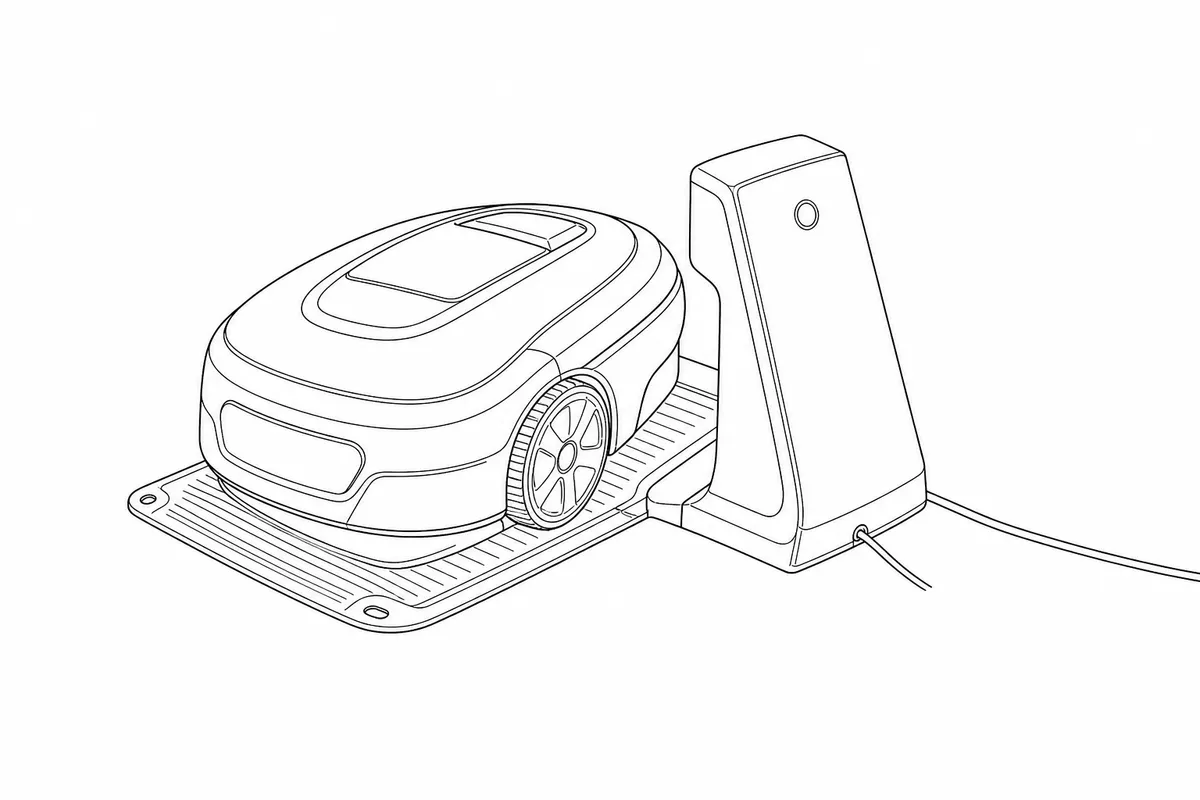
The symptom pattern
The mower sits at its charging station and won’t set off to mow, and the GARDENA smart system app reports a “No loop signal” message. This is one of Gardena’s own named fault messages for the smart SILENO free, not a generic “something’s wrong” error — the manual gives it a dedicated row in the Messages table with its own set of causes.
What’s actually happening
The charging station puts out its own signal over the low-voltage cable that connects it — the manual’s own installation warnings confirm this, cautioning against coiling the cable near the station because “the coil causes interference with the signal from the charging station.” That’s a separate system from the “virtual boundary” the mower navigates by using satellite positioning — Gardena’s manual treats a lost boundary signal (“Outside work area”) and a lost charging-station signal (“No loop signal”) as two different messages with two different causes, and this entry only covers the second one. The manual doesn’t spell out exactly what the mower does with the station’s signal, only what breaks it and how to fix each cause.
For “No loop signal” specifically, the manual lists four causes: the power supply or low-voltage cable isn’t connected, the power supply or cable is damaged, the pairing between the mower and the station has been lost, or something metal near the station — a fence, reinforcing steel, a buried cable — is interfering with its signal.
Working through it
Unplug the charging station’s power supply from the wall outlet before you handle any of the cabling. Then work through the causes in the order Gardena’s own table gives them:
Check the LED status indicator on the charging station first. If it’s not lit, the station has no power — check the wall outlet and the residual-current device (RCD) the manual requires on that circuit.
With power confirmed at the station, check that the low-voltage cable is properly connected. This is the cable that actually carries the signal the mower is missing, and it’s separate from the mains lead.
Look over the power supply unit and the low-voltage cable themselves for damage. The manual doesn’t offer a repair step for a damaged cable or power supply — it goes straight to replacement.
If the wiring is sound, the next cause is a lost pairing between the mower and the station. Redo the charging station installation in the GARDENA smart system app rather than touching any hardware.
Only after all of that should you look at what’s near the station itself. Metal objects in the ground — fences, reinforcing steel, buried cables — can interfere with the signal the station puts out, and Gardena’s fix for that is simply repositioning the station away from them.
Verdict
Every cause behind “No loop signal” sits at the charging station or its cabling, not inside the mower. Work through the checks in the manual’s own order — power, then the low-voltage cable connection, then damage, then pairing, then interference — since the first two cost nothing to check. A genuinely damaged power supply or low-voltage cable is a cheap, straightforward replacement part rather than anything that needs a service centre.
Comments & Corrections
No comments yet. Had this fault yourself, or found something different? Tell us below.
Thanks — your comment has been sent for review. Comments are checked by a human before they appear, so expect a delay.