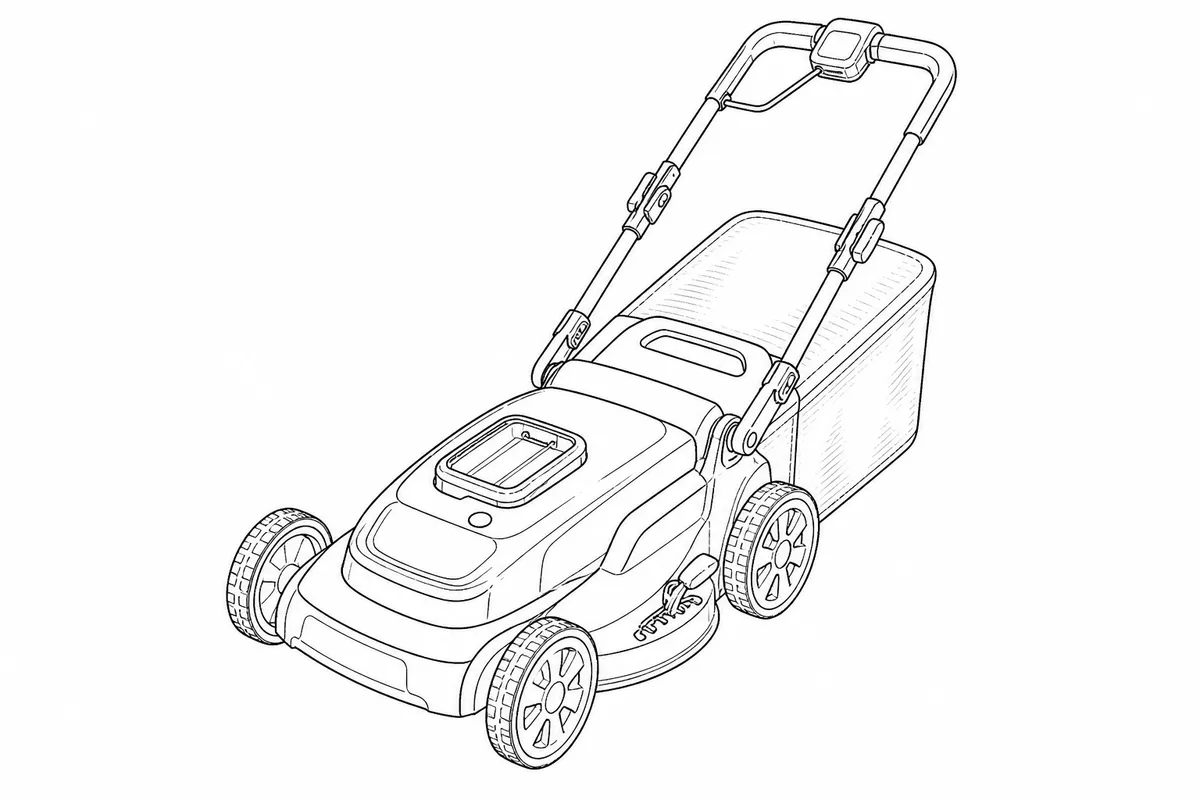
The symptom pattern
The PowerMax Duo won’t start, or cuts out while you’re mowing, and the error LED on the top panel is lit a steady red — not flashing, not off, solid red. Gardena’s manual treats the three LED states (solid red, flashing red, off) as three separate rows in its troubleshooting table, each with its own causes. This entry covers the solid red state only — flashing red and no-light are different fault paths with different causes, and folding them together would misattribute a cause that belongs to a different LED state.
What’s actually happening
For the solid-red state specifically, the manual lists four possible causes, each independent of the others, and they sit on a spectrum from “costs nothing to check” to “needs a service visit”:
- The battery’s temperature is outside the permissible 0°C to +45°C charging/operating range.
- There are drops of water or moisture sitting between the battery contacts.
- Something is physically obstructing the blade or motor underneath the deck — and the manual’s own fix for this one also has you check the blade is still at its 90° position afterwards, since dislodging an obstruction can knock it out of alignment.
- The cutting height is set too low. This is its own, separate cause in the table — it isn’t tied to blade alignment, even though both involve the blade.
None of these four are electrical faults in the sense of needing a part replaced. They’re all either a wait, a wipe, a clear, or an adjustment.
Working through it
Pull the battery before you do anything else — you don’t want the blade able to spin while you’re checking underneath the deck.
Start with temperature, since it needs nothing but time: if the mower’s just come in from a cold shed or straight off a charge, give the battery time to settle back into Gardena’s stated 0°C–45°C range before trying again.
With the battery still out, dry the contacts — both the battery’s and the mower’s — with a dry cloth. The manual names this specifically: moisture between the contacts is enough to trigger this exact LED state on its own.
Tip the mower up and look underneath. Compacted grass, a stick or a stone jammed against the blade will stop the motor and light this LED. Clear it by hand with the battery still out, then check the blade still sits at its proper 90° position using the manual’s own alignment procedure — the manual pairs this check with clearing the obstruction, since dislodging something can tip the blade out of alignment.
Separately, check the cutting height. The manual lists this as its own cause, not connected to blade alignment, so check it on its own merits rather than assuming it’s the same issue.
Only refit the battery and try again once you’ve been through all four. If the LED is still solid red with nothing obstructing the blade, no moisture on the contacts, and the blade properly aligned, Gardena’s own table stops offering causes at that point and calls it a fault in the mower itself, routed to GARDENA Service.
Verdict
This is a free-checks-first fault by the manual’s own design — every named cause behind the solid-red LED costs nothing and needs no part. Work through temperature, moisture, obstruction (with the blade-alignment check that comes with it) and cutting height in that order before assuming anything’s actually broken. If all four check out clean and the LED stays lit, the manual itself has no further user-level step; it goes straight to GARDENA Service, not a part you can buy and fit yourself.
Comments & Corrections
No comments yet. Had this fault yourself, or found something different? Tell us below.
Thanks — your comment has been sent for review. Comments are checked by a human before they appear, so expect a delay.