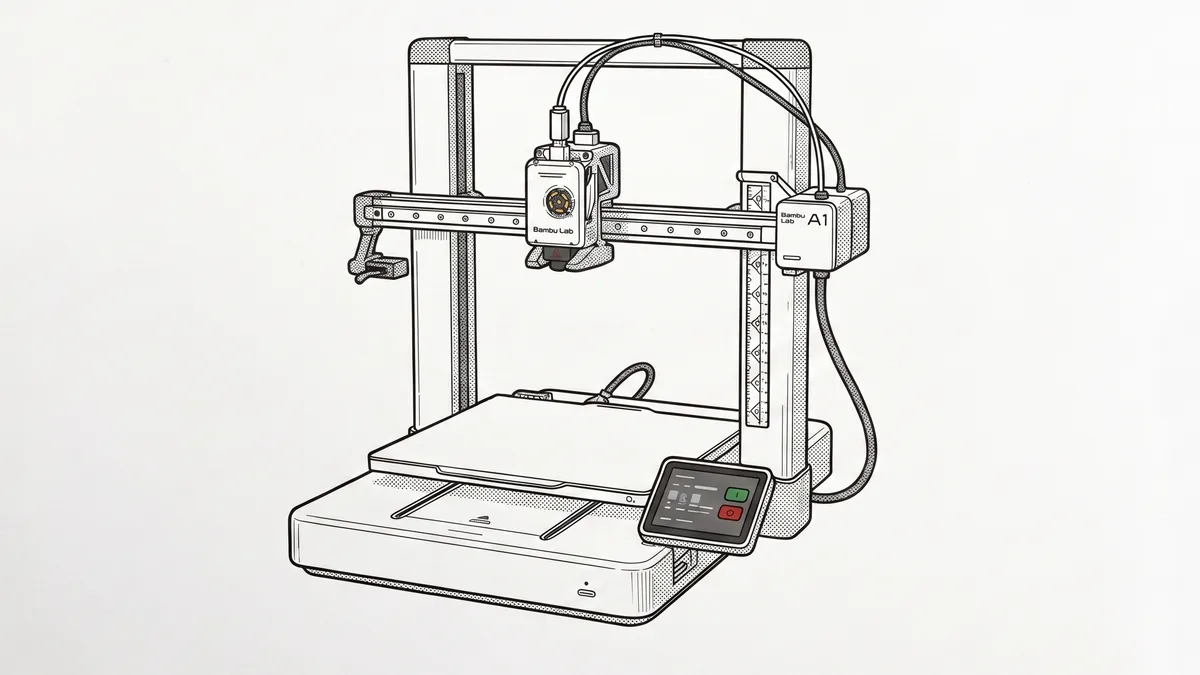
The symptom pattern
The reports follow a common script: a print ends abnormally — cancelled from the Bambu Handy app mid-job, interrupted by a network dropout, or following a failed print — and afterwards the app and/or the printer’s display continue to show the old job as “printing” at a frozen percentage. Attempting to start a new job from the slicer returns an error that the printer is busy, while the toolhead sits parked and cold. Nothing is actually running.
What’s actually happening
This is a state-synchronisation problem, not a hardware fault — worth saying loudly, because the symptom description (“printer stuck, won’t respond”) sends people hunting for hardware problems that don’t exist. The printer’s job-state record isn’t cleared when a job ends abnormally, and while it persists, the cloud service keeps reflecting the stale state back to every connected client. That’s why the phantom job can appear simultaneously on the printer’s display, in Bambu Handy, and in the slicer’s device view.
It isn’t an A1-specific bug: owners of Bambu’s other cloud-connected printers (an X1 Carbon and a P1S, in reports that describe the exact same message and frozen percentage) hit the identical state through the same shared Bambu Studio/Handy/cloud stack the A1 also runs on. Recurrence appears to depend on firmware version and on whether the printer is in cloud or LAN-only mode.
Clearing it
In order of preference, per Bambu Studio/Handy owner reports describing what actually cleared it for them:
- Clear or finish the job from the printer’s front display, if it offers the option.
- In Bambu Studio, open the Device tab and click into the camera/video view. Several owners report this alone forces a state refresh and clears the message without needing to touch the printer.
- Do a full power cycle from the physical switch — off, wait ten seconds, on. This is the most consistently reported fix when the above doesn’t work.
- If the app still shows the phantom job after the printer restarts, force-quit and reopen the app so it re-syncs against the printer’s now-clean state.
Verdict
A nuisance-level fault with a zero-cost fix. Keep the firmware current — Bambu’s own P1 series changelog shows them fixing this exact class of device/job-status-matching bug by firmware update before, so there’s real precedent for it being patched rather than permanent — and consider LAN-only mode if it recurs frequently on your network. No repair, no parts, no teardown.
Comments & Corrections
No comments yet. Had this fault yourself, or found something different? Tell us below.
Thanks — your comment has been sent for review. Comments are checked by a human before they appear, so expect a delay.