The symptom pattern
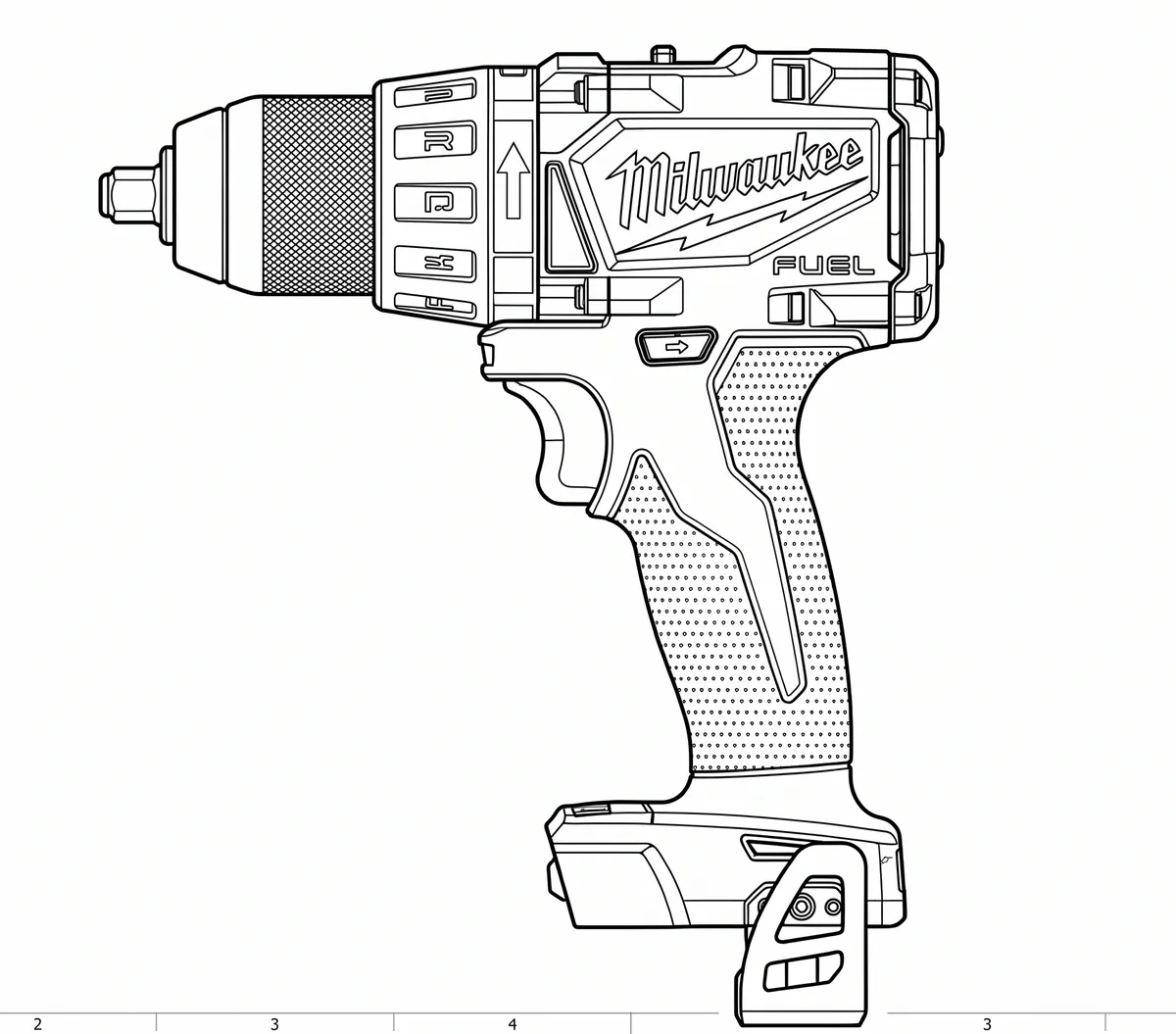
A Milwaukee M18 tool suddenly stops responding entirely — no trigger response, no LED, nothing — even though the battery is confirmed good on a charger or in another tool. It looks exactly like a catastrophic failure: a dead circuit board, a blown trigger switch, or a bricked tool. Owners often assume the worst and start pricing a replacement before checking anything else.
What’s actually happening
Many M18 tools ship with Milwaukee’s One-Key Bluetooth system built in, which lets an owner remotely track, customize, and — critically — lock the tool via a phone app. A locked tool is designed to look completely dead: no lights, no trigger response, nothing to distinguish it from a genuine hardware failure. That’s a deliberate anti-theft feature, not a bug, but it produces symptoms identical to a dead tool. It’s an especially easy trap on a secondhand tool, or one briefly paired with One-Key by a previous owner, a shop demo unit, or a company fleet-management setup, since the lock persists even after the tool changes hands.
Working through it
Rule out the battery first: swap in a different known-good M18 battery, and/or test the suspect battery in a different M18 tool. If the tool is still unresponsive with a confirmed-good battery, check the body for a One-Key badge or Bluetooth icon — that marks it as One-Key capable. Download the free Milwaukee One-Key app, stand close to the tool with Bluetooth enabled, and try to connect — the app shows the tool’s current lock status and lets you unlock it on the spot if it’s been locked. This costs nothing and takes a couple of minutes, so it’s worth doing before opening the tool up or writing it off.
Verdict
If the tool is One-Key capable, check for a lockout before any other diagnosis — it’s a free, two-minute check that fully resolves the fault if that’s the cause. Only move on to genuine hardware diagnosis (circuit board, trigger switch) once a One-Key lock has been ruled out.
Comments & Corrections
No comments yet. Had this fault yourself, or found something different? Tell us below.
Thanks — your comment has been sent for review. Comments are checked by a human before they appear, so expect a delay.