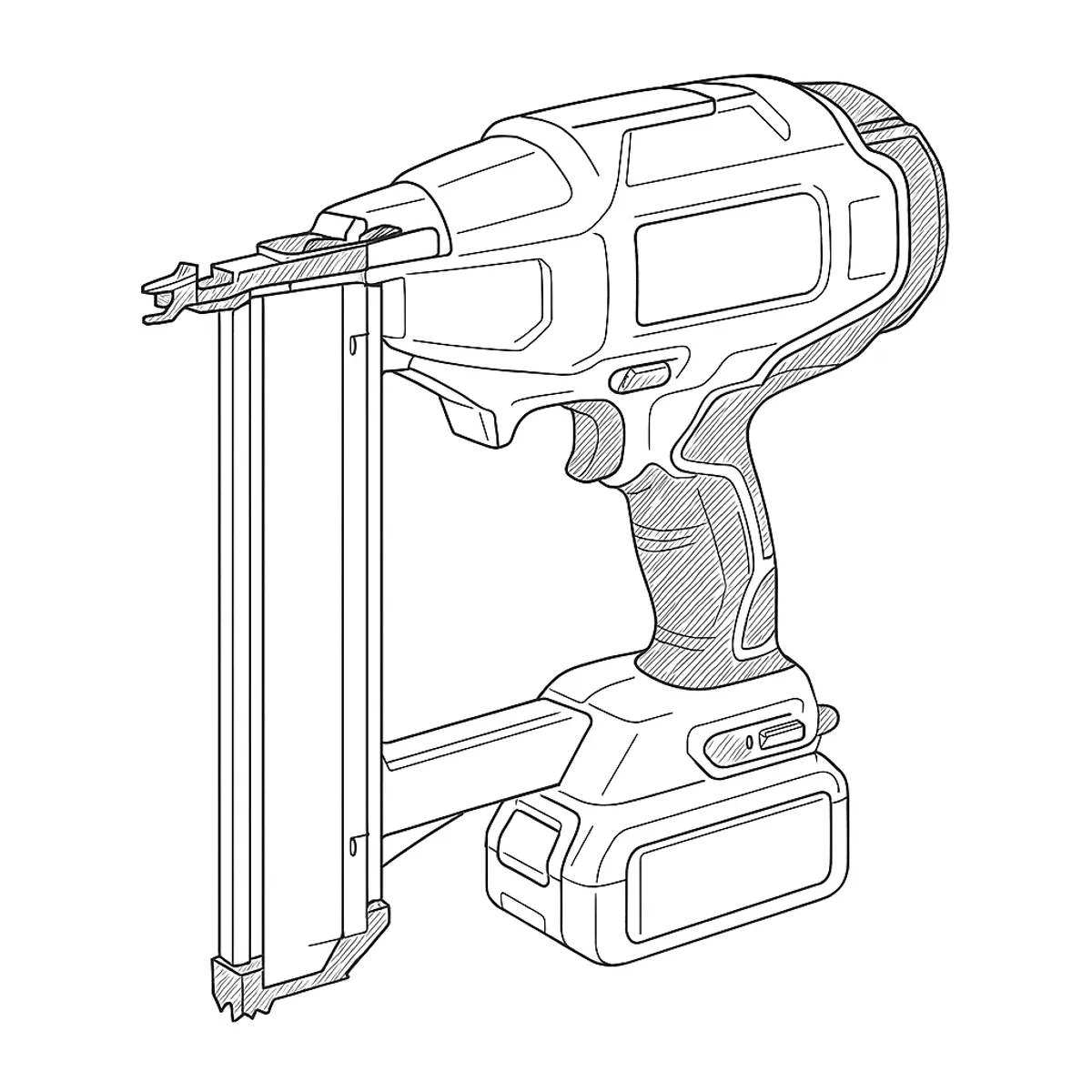
The symptom pattern
Pull the trigger and nothing happens, or the tool runs but no nail comes out — either way it reads like a dead nailer. DeWalt’s own manual treats this as several distinct, ordered faults rather than one problem, and which one applies depends on what the worklights either side of the trigger are doing.
What’s actually happening
If nothing lights up at all, DeWalt’s first listed cause is the simplest: “check trigger lock off is not engaged.” The DCN660 has a physical lock-off switch specifically to stop accidental firing, and a tool left in that state behaves indistinguishably from a flat battery or a dead trigger.
If the worklights are on but the motor doesn’t run, the manual points to the firing sequence itself: “ensure both the contact trip and trigger are released and then actuate only contact trip.” This nailer expects the nosepiece pressed against the work first, separately from the trigger — not trigger-then-push. On the DCN660 specifically, DeWalt also lists checking the mode selector switch at this stage, since the tool supports both sequential and bump firing.
If the motor runs but no fastener is driven, or it drives but doesn’t seat fully, the cause moves to the magazine and the fastener itself: the wrong gauge or angle of nail, a pusher that isn’t pushing, or a driving-depth setting that’s too shallow. None of this is a fault as such — it’s the tool correctly refusing to fire something it isn’t loaded to handle.
A jam is the one DeWalt treats differently. Clearing the nail is only the first step; the manual specifically notes that “the stall release lever should be used to reset the mechanism” and “the Trigger Lock Off may also need to be cycled to reset the electronic control” — two separate resets, mechanical and electronic, and missing the second one can leave a nailer that looks jammed again immediately after the first jam was cleared.
Working through it
Start with the lock-off switch — it costs nothing to check and explains a surprising number of “dead tool” reports. If the worklights are off, remove the battery, wait five seconds, and refit it before assuming a charger or battery fault. If they’re on but the motor won’t run, release both the contact trip and the trigger fully, then press only the contact trip against the work — not the trigger first. Check the mode selector matches how you’re firing it.
If the motor runs and still nothing drives, open the magazine and confirm the fastener strip is the right gauge, length and angle for this tool, and that the pusher spring is actually advancing it. For a jam, clear it via the nosepiece inspection door as the manual describes, then specifically cycle the stall release lever and re-engage and release the trigger lock-off — both, not just one — before testing again.
If jams keep recurring once fastener type, loading and both resets are confirmed correct, DeWalt’s own manual stops giving user steps at that point and names a worn or damaged driver blade assembly as the likely cause, routed to a repair agent rather than a DIY fix.
Verdict
Free in the large majority of cases: a lock-off switch, a firing-order habit, a mode selector setting or a magazine loading issue, all covered by DeWalt’s own checklist and all fixable on the spot. Recurring jams after doing the checks properly are the exception — DeWalt names a worn driver blade assembly as the cause and gives no owner procedure for it, so that’s a repair-agent job rather than something to keep working around by clearing jams one at a time.
Comments & Corrections
No comments yet. Had this fault yourself, or found something different? Tell us below.
Thanks — your comment has been sent for review. Comments are checked by a human before they appear, so expect a delay.