The symptom pattern
The router runs fine — no odd noise, no loss of power — but the groove or edge profile it leaves behind isn’t what the depth settings say it should be. It’s an easy fault to over-think, because nothing about the motor or the cut itself looks wrong; the problem sits entirely in how the depth and collet are set up before the cut starts.
What Triton’s own documentation says
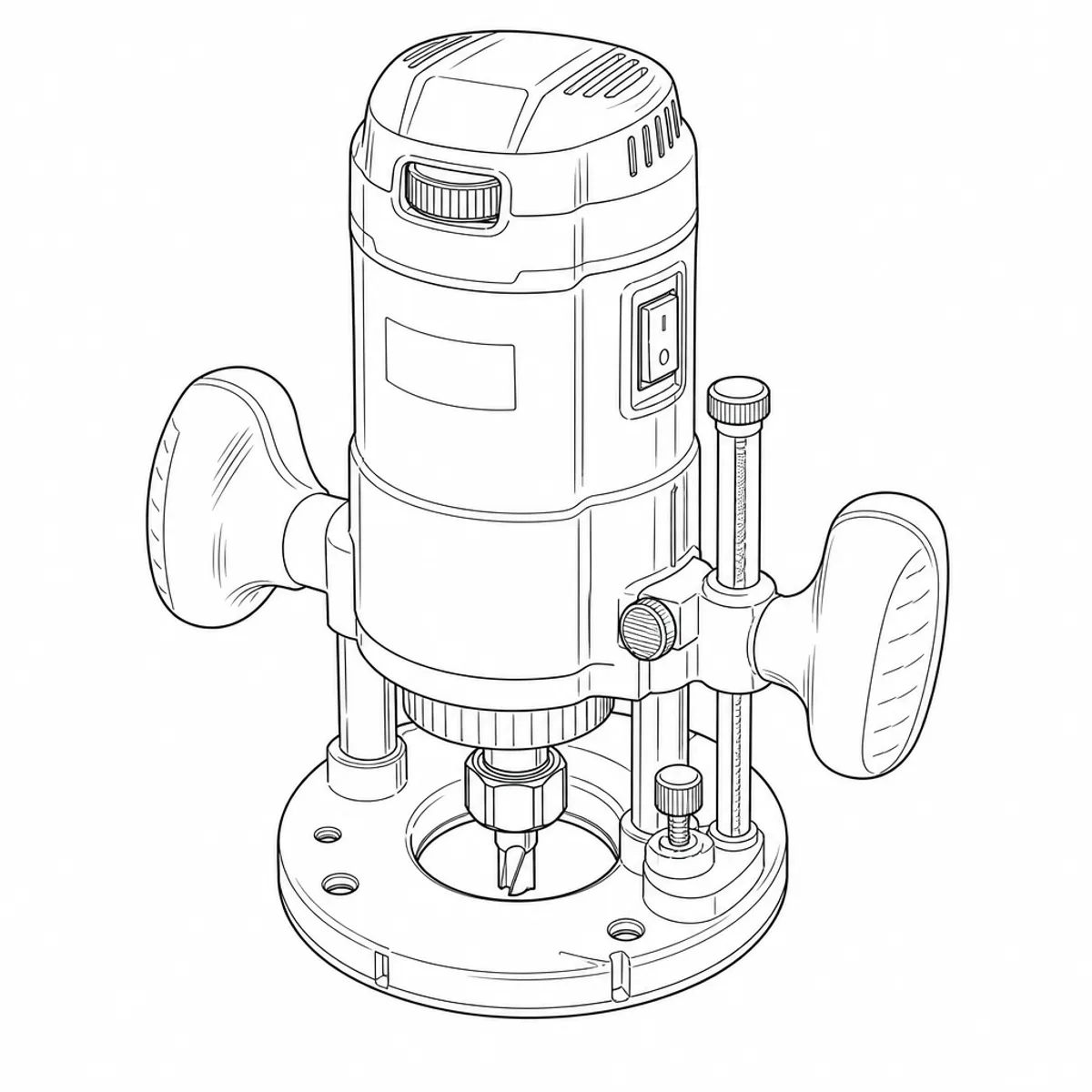
Triton’s troubleshooting table treats this as a configuration fault, not a mechanical one, and gives exactly two causes: “Depth Stop (30) / depth (Trimmer Base 8) not correctly adjusted — Ensure the Depth Stop/trimmer height corresponds to the maximum amount of cut permitted by the Depth Turret (31) / Trimmer Depth Micro Adjustment Dial (46),” and “Incorrectly fitted or loose Router Bit/Collet/Collet Nut (48, 3 or 17) — Tighten Router Bit/Collet/Collet Nut and cutter assembly.” Both are owner-level checks with no tools beyond the supplied spanner.
The same table separates out a related but distinct fault — “Excessive vibration,” caused by “Incorrectly fitted or loose Router Bit” or a “Bent or damaged Router Bit” — worth ruling out if a profile problem comes with noticeable vibration, since a bent bit needs replacing rather than re-tightening.
Working through it
Unplug the router first — both checks mean working directly at the collet. Start with the depth system: whichever base is fitted (plunge or trimmer), confirm the depth stop is actually referenced against the turret or micro-adjustment dial Triton names, not just set by eye. Then move to the collet: with the bit removed, check the collet itself isn’t worn or cracked, refit the bit fully seated, and tighten the collet nut properly — a bit that’s merely resting in a loose collet will drift under cutting load even if it felt secure by hand. Re-set the depth stop afterwards, since loosening the collet can disturb it, and run a test cut in scrap before trusting the setting on a workpiece.
Verdict
This is calibration, not damage — both causes Triton documents are free, owner-level fixes with no parts needed. If a test cut after both checks still comes out wrong, roll the bit on a flat surface to check it isn’t bent before looking any further; a bent bit is the one part of this fault that actually needs replacing rather than re-tightening.
Comments & Corrections
No comments yet. Had this fault yourself, or found something different? Tell us below.
Thanks — your comment has been sent for review. Comments are checked by a human before they appear, so expect a delay.